

💡 How to Create Presentations in Seconds with AI: A Quick Guide
Create professional AI-powered presentations in seconds with Decktopus! Learn how to generate tailored slides, add AI images, and prepare for client Q&A with ease.
🔗 Some useful links to bookmark ⤵️
Want to reach out to with our editors? Click below to DM our staff 💬
Know a friend that would use this tutorial?
Refer 3 friends and get 1-month premium subscription
✍️ This week’s review:
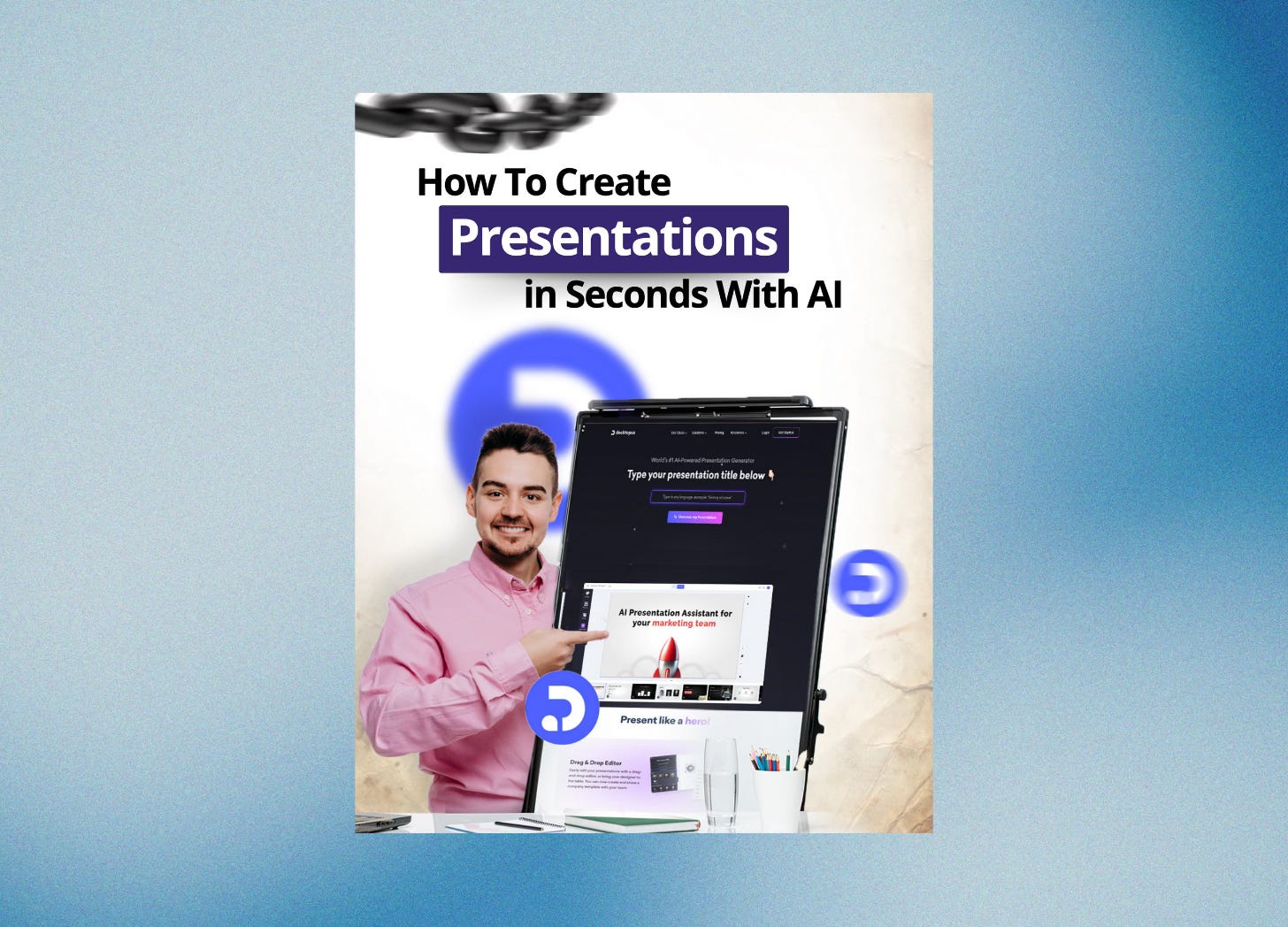
💡 How to Create Presentations in Seconds with AI: A Quick Guide
TL;DR:
This tutorial shows you how to use Decktopus, an AI-powered presentation maker, to create professional presentations in seconds. It covers step-by-step instructions to help you generate presentations, add AI-generated images, and even create Q&A sessions to prepare for client interactions.
What You Can Do with This Guide:
By following this tutorial, you can:
Quickly create AI-powered presentations tailored to your specific needs.
Select from a variety of templates to suit your brand.
Add AI-generated images to enhance your presentation.
Create a Q&A section to prepare for potential client questions.
Translate presentations into different languages and customize designs.
Summary of the Tutorial:
Step 1: Use Decktopus
Decktopus is a powerful AI presentation maker that allows you to create presentations quickly. To get started, simply visit the website and click "Get Started" to sign up.
Step 2: Create Your Presentation with AI
Once you’re signed in, click "Create With AI" and add your topic. The AI will assist you in creating the presentation based on the information you provide.
Step 3: Choose the Presentation Category
Pick a category that fits your presentation goal. For example, if you’re sending a sales pitch to potential sponsors, select the “Sales presentation” category.
Step 4: Provide Reference Data
If needed, provide additional reference data so that the AI can build a more accurate and tailored presentation for you.
Step 5: Outline Creation
AI will automatically generate an outline for your presentation. You can modify, add, or remove topics based on your preferences.
Step 6: Template Selection
Choose from a selection of professional templates to ensure your presentation aligns with your brand's look.
Step 7: Generate the Presentation
Click "Generate Presentation" to allow AI to create your presentation. You will have it ready in just two minutes!
Step 8: Add AI-Generated Images
After the presentation is generated, you can enhance it by adding AI-generated realistic images to make it visually appealing.
Step 9: Create a Q&A Section
AI can also generate a Q&A section to help you anticipate the questions your clients might ask during the presentation.
Step 10: Smart Presentation Tips
Decktopus can provide smart tips to make your presentation more persuasive and effective for your audience.
Step 11: Additional Features
Decktopus offers further customization, including:
Translate your deck into another language.
Change the design or add new elements.
Add media assets and reference notes for better context.
Step 12: Get Started with Decktopus
To create your professional presentation in seconds, visit decktopus.com.
Conclusion:
Using Decktopus, you can quickly create professional presentations with the help of AI. This tool streamlines the presentation creation process by offering template options, AI-generated images, and even a Q&A section to prepare you for client meetings.
About the Author:
This guide was created by an expert who shares valuable resources on using AI tools to enhance business and marketing strategies. You can follow them for more insightful tutorials and join the Mindstream community.