

Build Custom AI Agents (No Coding Required!) 🤖
What if you could build your own AI assistant — one that helps you plan, organize, and get things done — without writing a single line of code? This tutorial shows how anyone can create smart AI agent
🔗 Some useful links to bookmark ⤵️
Want to reach out to with our editors? Click below to DM our staff 💬
Know a friend that would use this tutorial?
Refer 3 friends and get 1-month premium subscription
✍️ This week’s review:
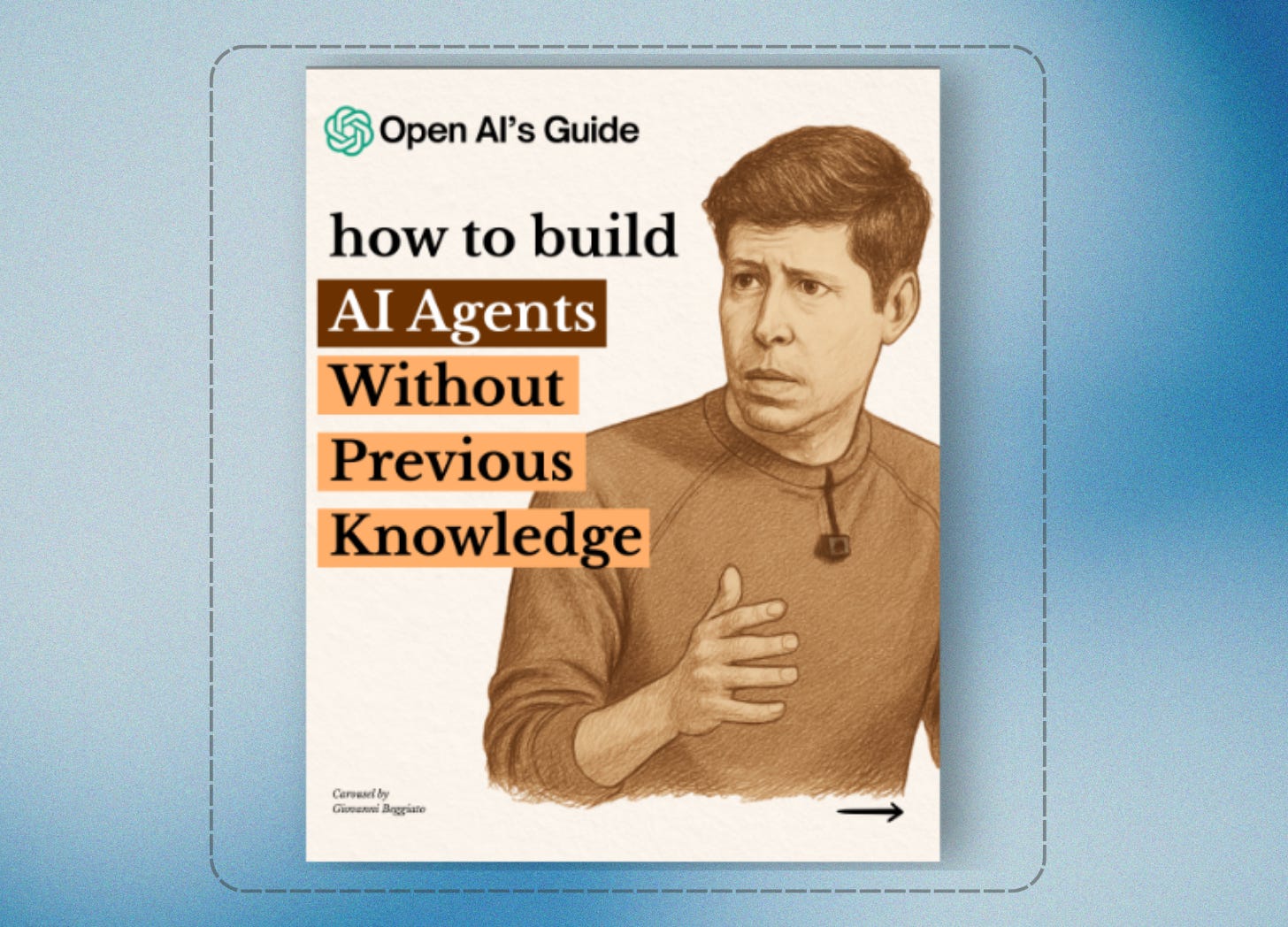
Build Custom AI Agents (No Coding Required!) 🤖
TL;DR
Stop just using AI—start BUILDING it. This step-by-step guide turns anyone into an AI creator, showing you how to forge powerful digital assistants that automate your work and supercharge your productivity. Zero experience needed.
What you can do with this tutorial?
By following this guide, you can:
Create your own chatbot or virtual assistant.
Automate simple business or personal tasks.
Link AI agents with daily apps to save time.
Build quick prototypes for customer support or productivity.
Understand basic AI concepts like memory, tools, and context.
Summary of the tutorial
Here’s the easy step-by-step overview of How To Build AI Agents Without Previous Knowledge:
Understand AI Agents – Learn what an agent is: a digital helper that can think, plan, and take action for you.
No Coding Needed – Discover platforms that let you build agents with drag-and-drop interfaces.
Pick Your AI Model – Choose between GPT-4, Claude, or Gemini — all capable of reasoning and communication.
Add Tools & Memory – Give your agent the ability to remember conversations or pull data from apps.
Set Goals & Triggers – Decide what the agent should do (like sending reports or updating files).
Connect to Real Apps – Learn to link your agent to tools such as Gmail, Notion, Slack, or CRMs.
Test & Improve – Practice with prompts and feedback loops to refine how your AI responds.
Example prompt from the tutorial:
“You are my AI assistant for daily productivity. Each morning, summarize my schedule, flag overdue tasks, and update my Notion dashboard.”
Conclusion
This tutorial proves that AI is now accessible to everyone. You don’t need to be a developer to build something powerful — just curiosity and the right steps. By the end, you’ll have a working AI agent that saves you time, automates work, and makes your day smoother.
About the author
This tutorial was published by AI Central, a platform that helps beginners and professionals use AI in everyday workflows. They’ve produced over 1,000 tutorials and AI resources for creators, marketers, and entrepreneurs. Visit cntral.ai/tutorials to explore more.